




Last month, I was at a precision machining shop consulting on digital transformation. The shop floor manager shook his head wearily, pointing at a group of welders and lathe operators: “Look, my workers are mostly guys in their 40s and 50s, used to holding wrenches year-round. If we force them to type on computers and declare data into an ERP system, it’ll be chaos. They might even strike!” This fear is entirely justified and is the biggest psychological barrier for 90% of traditional manufacturing plants. The truth is, if you copy-paste standard accounting software interfaces with dozens of complex data fields down to the shop floor, the project will undeniably fail. However, things have changed. That afternoon, we installed a test industrial touch screen equipped with a barcode scanner. After just 15 minutes of guidance, a 50-year-old welder was able to “beep” the barcode to start a production order himself, smiling and saying: “This is even easier than using my smartphone at home.”
Key Takeaways:
The key to successfully digitizing a shop floor doesn’t lie in forcing workers to become tech-savvy, but in equipping Terminals with minimalist interfaces integrated with barcode/QR code technology. The Beas Manufacturing solution (developed by Boyum Solutions specifically for SAP Business One) provides an extremely intuitive WebApp Terminal module. Instead of typing, workers only perform 3 basic steps: Scan employee badge (Log in) -> Scan Work Order code (Start) -> Scan Material code (Issue). The system operates on a Poka-Yoke (error-proofing) mechanism, automatically flashing red and beeping if a worker scans the wrong material or incorrect Lot Number. This transforms the terminal into a diligent supervisor, helping collect real-time data without interrupting the factory’s workflow pace.
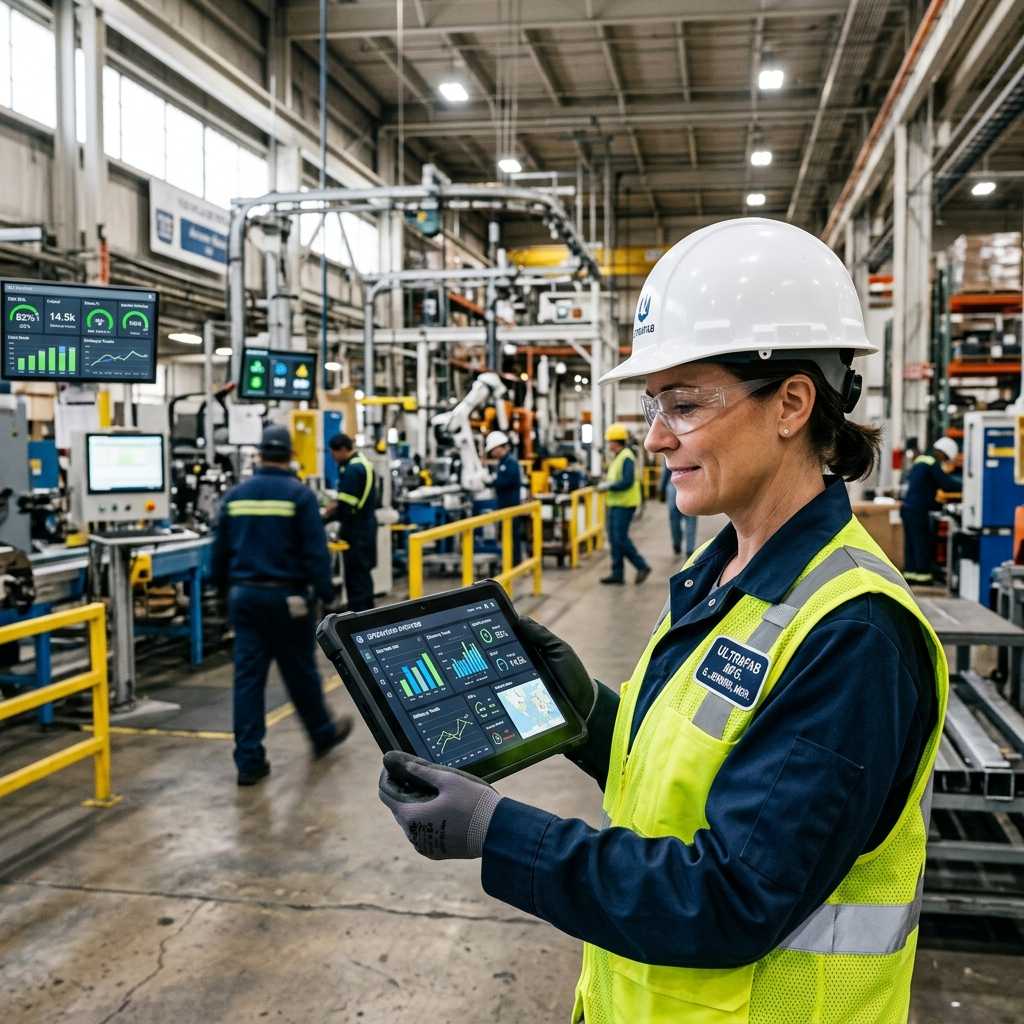
1. Beas Terminal Interface: As simple as an ATM machine
The biggest mistake ERP implementers make is forcing workers to use standard office Client interfaces. Beas Manufacturing completely eliminates this barrier with its WebApp Terminal. This interface is specifically Touch-optimized for industrial PCs (IPC) or tablets. The screen only displays giant buttons with clear icons: “Start,” “Stop,” “Issue,” “Receipt.” There are no complex drop-down menus, no redundant data fields. When workers clock in, they don’t need to remember passwords; they just grab the scanner and scan the barcode on their ID badge. Every action is designed around a “Point and Shoot” mindset, making interacting with the software as familiar and easy as withdrawing cash from an ATM.
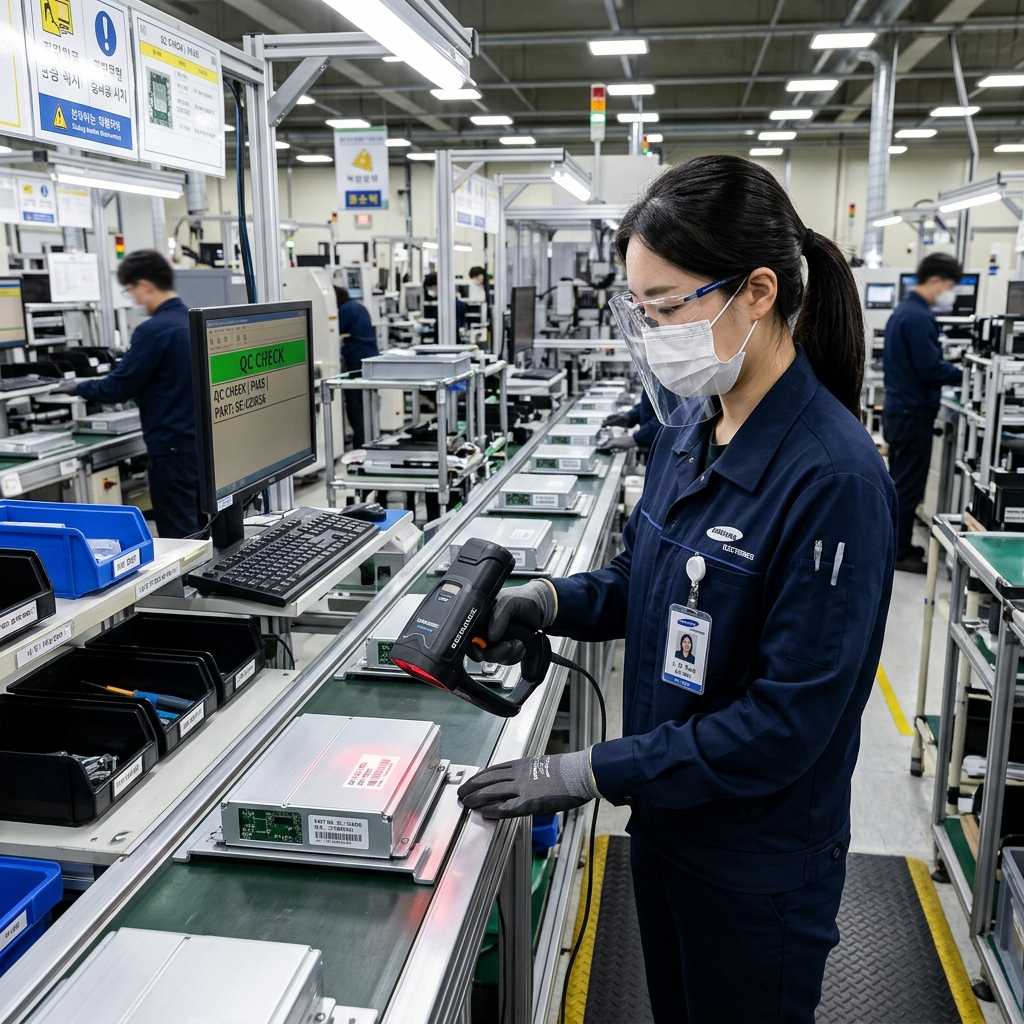
2. Barcode Scanning and Lot Number Management: The Poka-Yoke Checkpoint
In manufacturing, picking the wrong material or issuing the wrong Lot Number can destroy an entire batch. If recorded via notebooks, this error is only discovered when the finished goods come out of the oven. With Beas Manufacturing Terminals, the process is fully digitized. When the warehouse issues materials to the floor, each basket has a Barcode label containing the Lot Number. When the worker starts the machine, the Terminal requires them to scan the barcode on that material basket. Instantly, the system queries SAP Business One data directly. If this material batch is expired or not in the Bill of Materials (BOM) of the current Work Order, the Terminal screen immediately flashes red, sounds a warning alarm, and refuses to record the transaction. This mechanism 100% eliminates risks caused by human visual errors or randomly grabbing materials, ensuring absolute compliance.
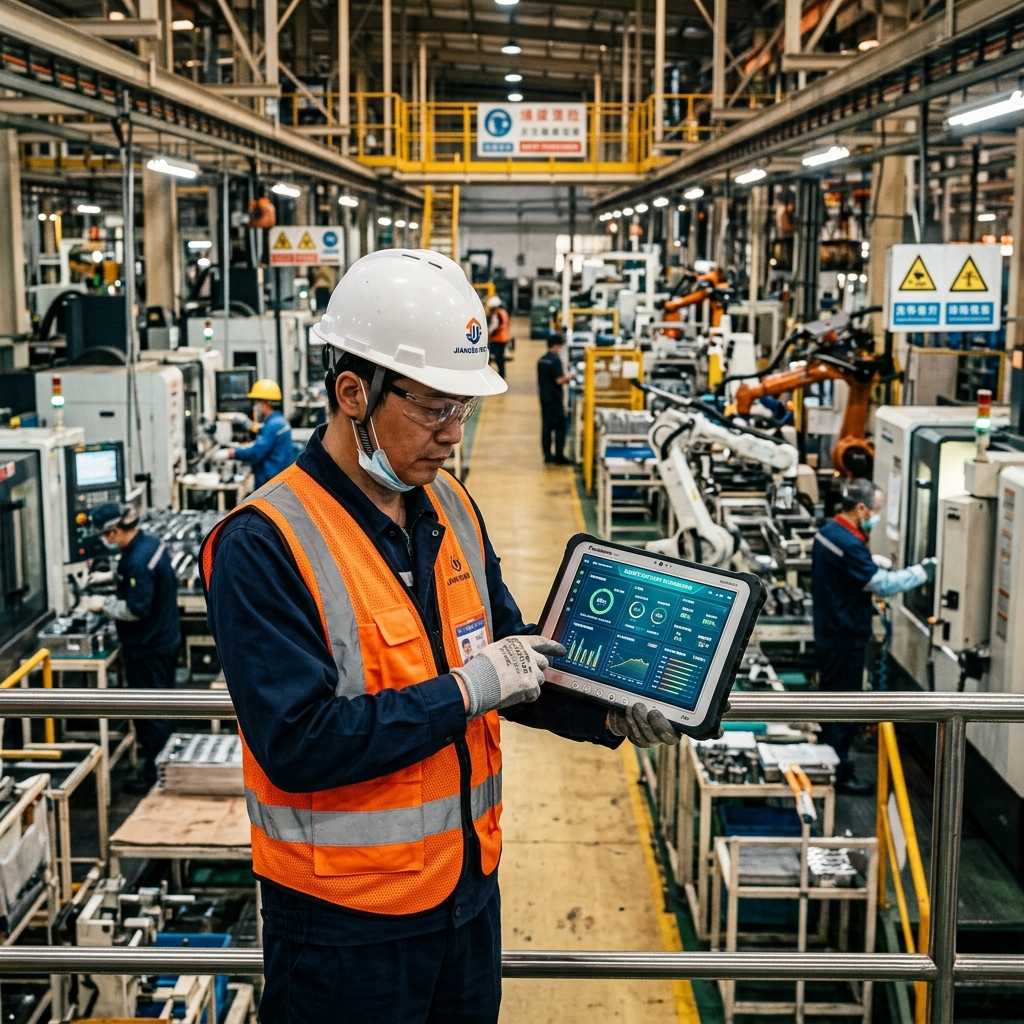
3. Real-time Data Collection and Eliminating “Paperwork Lag”
Imagine the old process: Workers jot down machine run times and completed quantities on a piece of scrap paper. At the end of the shift, the team leader gathers the papers and hands them to the shop clerk to retype into an Excel file. This process creates a “blind lag” of 8 to 24 hours. The director sitting in the office has no idea which order the shop floor is currently running. Beas Terminals completely shatter this lag. When a worker hits “Stop” and scans a barcode to declare the completed quantity, the data is pushed straight into SAP Business One in a millisecond. WIP inventory goes up, raw material inventory goes down, and labor costs are calculated instantly. The Production Manager simply opens a Dashboard to see the exact Progress of each machine ticking continuously in real-time.
Comparison Table: Updating Data via Paper vs. Terminal (Barcode)
| Criteria | Using Paper / Whiteboards / Excel | Using Beas Terminals & Barcodes |
|---|---|---|
| Operational Difficulty | Complex, prone to illegible messy handwriting. | Extremely easy, just scan barcodes and tap giant touch buttons. |
| Recording Speed | Delayed by 8 – 24 hours (wait until shift end to retype). | Instantaneous (Real-time), measured in milliseconds. |
| Material Error Control | Relies on worker’s eyesight and memory. | System instantly flashes red if scanning wrong Barcode / Lot Number. |
| Actual Time Management | Workers estimate or falsify working hours. | System clock accurately times from hitting Start to Stop. |
| Traceability | Hunting through paper logs takes weeks. | Scan product code, Beas instantly traces back to raw material Lot. |
4. Five Real-World Examples Proving the Efficiency of Terminals & Barcodes
- Case study 1: Frozen food processing plant. The shop environment is constantly at 5 degrees Celsius; workers must wear thick woolen gloves and cannot use mice or keyboards. The factory installed IP65-rated industrial touch screens and Beas WebApp Terminals. The buttons are designed super large. Workers can easily touch and operate them even while wearing gloves. As a result, the shop entirely eliminated 5 data entry clerks, saving $25,000/year in personnel costs while updating progress thousands of times faster.
- Case study 2: Cosmetics manufacturing plant. The cosmetics industry strictly manages Expiration Dates (FEFO). Accidentally mixing a nearly expired material batch will ruin a 500-liter vat of lotion. Thanks to Beas Terminals, when workers break the seal of a material drum, they must scan the Barcode. The system automatically verifies the FEFO (First Expired, First Out) rule. Once, a worker mistakenly grabbed an expired chemical drum; the Terminal flashed a critical red alert and locked the process. This prevented an incident, saving a batch worth $17,000.
- Case study 3: Export garment workshop. Previously, sewing workers were paid by piece-rate, and at the end of the day, they often argued with team leaders about completed shirt quantities due to manual counting errors. Upon installing barcode scanners at each sewing cluster, every time a bundle of 10 shirts was finished, workers “beeped” the barcode on the tracking ticket. Output was instantly logged to their employee ID in the SAP system. Fraud and quantity discrepancies vanished 100%, and productivity rose by 15% because workers focused on sewing rather than counting.
- Case study 4: Wooden furniture manufacturing shop. An American kitchen cabinet export order demanded strict FSC wood traceability. Previously, when audited, the factory spent 3 days tearing apart logs to find documents. After digitization, every cut wood slat was issued an auto-generated Lot Number from Beas Manufacturing, printed as a label, and stuck on the wood batch. Downstream workers simply scanned the code. When inspectors arrived, the director took exactly 3 seconds to input the finished product code into SAP, and the system popped out the original wood Lot history, receiving date, and supplier name.
- Case study 5: Plastic injection plant. The board of directors constantly suffered headaches due to excessively high labor costs but didn’t know which machines were idle. After mounting a Terminal at each injection machine, workers were forced to scan their badge to start a shift and select a Downtime code if the machine stopped (e.g., Waiting for plastic, Broken mold, Machine error). This data pushed straight to SAP Business One to generate OEE reports. At month-end, the director was shocked to discover that 30% of shop downtime was due to “Waiting for forklift to carry pellets.” They readjusted the forklift routing, and shop-wide output immediately surged by 20%.
Frequently Asked Questions (FAQs) about Terminals and Barcodes
My mechanical shop environment has a lot of metal dust and grease, standard computers can’t survive, so how do we install Terminals?
You must absolutely not use office computers on the shop floor. Boyum Solutions recommends combining the Beas WebApp Terminal with Industrial PC (IPC) devices. These devices meet IP65 or IP67 standards, are fanless, completely waterproof and dustproof, and their screens are covered with grease-resistant tempered glass. The barcode scanners used are also industrial grade, capable of withstanding drops from 2 meters.
Does the Beas Terminal software require a continuous Internet connection? What if the factory network goes down?
The Beas Terminal system communicates directly with the SAP Business One server via the factory’s internal Local Area Network (LAN). Therefore, even if the external fiber optic Internet drops, as long as the internal LAN and factory Wifi are still functioning, workers can continue scanning barcodes and operating normally without any latency.
What if a worker accidentally scans a Barcode belonging to a different order?
This is the power of combining SAP Business One and Beas Manufacturing. The system doesn’t record data blindly. When a worker stands at the “Welding Station,” the Terminal only permits them to scan Work Orders that are currently in “Waiting for Welding” status. If they mistakenly grab the blueprint for the “Painting Station” and scan the barcode, the system instantly rejects it with an error message: “This work order does not belong to your workstation.”
Is the cost to install terminals for the entire factory expensive?
You don’t necessarily have to buy a machine for every single person. Beas Terminals support a shared-use mechanism. You can install 1 large screen in the middle of the shop for 10 workers to share. Each person has a unique employee badge with a Barcode. Whenever someone needs to operate, they just “Beep” their badge, and the system automatically switches to their account. This helps optimize hardware investment costs to the absolute minimum.
Are the Reports generated from workers scanning barcodes easy for the Board of Directors to read?
The raw data workers scan from the Terminal becomes a goldmine. Beas Manufacturing and SAP Business One feature built-in flexible Dashboard tools. Directors don’t need to look at dry data tables; the system automatically visualizes it into bar charts and pie charts in Real-time. You can view it right on your mobile phone to know exactly what percentage of today’s plan the factory has achieved.
InfoAsia Việt Nam trở thành nhà cung cấp dịch vụ phần mềm số hóa nhà máy sản xuất cho thương hiệu giày hàng đầu thế giới NEW BALANCE
Công ty TNHH Mây Tre Hà Linh
SAP ERP MES and IOT Project for FVIV Factor
Buwon Industry Co, Ltd
KANGLONGDA VIETNAM PROTECTION TECHNOLOGY COMPANY LIMITED
Shini Group
TA TING PLASTIC (HAI DUONG ) CO., LTD
CÔNG TY TNHH MTV BIÊN HOA SCM