




In the digital age, where graphical user interfaces (GUIs) with icons and buttons have become all too familiar, there is a seemingly “outdated” tool that remains the ultimate weapon for IT professionals, system administrators, and programmers: the Terminal.
Understanding the Terminal not only helps you interact with your computer faster but also opens the door deep into the world of servers, automation, and high-level programming. So what exactly is this tool, and why does it hold a monopoly in the eyes of tech experts? Let’s explore in detail with InfoAsia.
1. What exactly is a Terminal?
1.1 Concept (Command-Line Interface)
At its core, this tool (also known as a Command-Line Interface – CLI) is a software program that provides a text-based interactive interface between humans and the computer’s operating system. Instead of using a mouse to click on icons, users type text commands to instruct the computer to perform specific tasks.
You can think of it as a “pipe” transmitting commands directly from you to the “brain” (Kernel) of the operating system. By bypassing the bulky graphical interface layer, commands are executed instantly at maximum speed.
1.2 Presence on popular operating systems
The command-line interface is not a “specialty” of any single operating system; it is present on all platforms:
- Linux/Unix: This is where the command-line environment shows absolute power. It is deeply integrated into the system.
- macOS: Because macOS is built on a Unix foundation, it possesses an extremely powerful command-line program.
- Windows: Traditionally, Windows used Command Prompt (CMD) and later PowerShell. Recently, Microsoft released a modern application that bundles everything into a single window.
2. Why do experts “worship” the command-line interface?
Using a mouse to drag and drop files may seem easy for basic users, but when working at an enterprise scale — especially when deploying large systems like ERP software or MES systems — graphics reveal many weaknesses. Here are the reasons why the command-line tool cannot be replaced:
2.1 Superior speed and performance
Graphical interfaces (GUI) consume a lot of resources (RAM, CPU) to render images. The command-line interface only processes raw text, so it consumes extremely few resources. This makes it the ideal tool for remote server management.
2.2 The power of Batch Processing
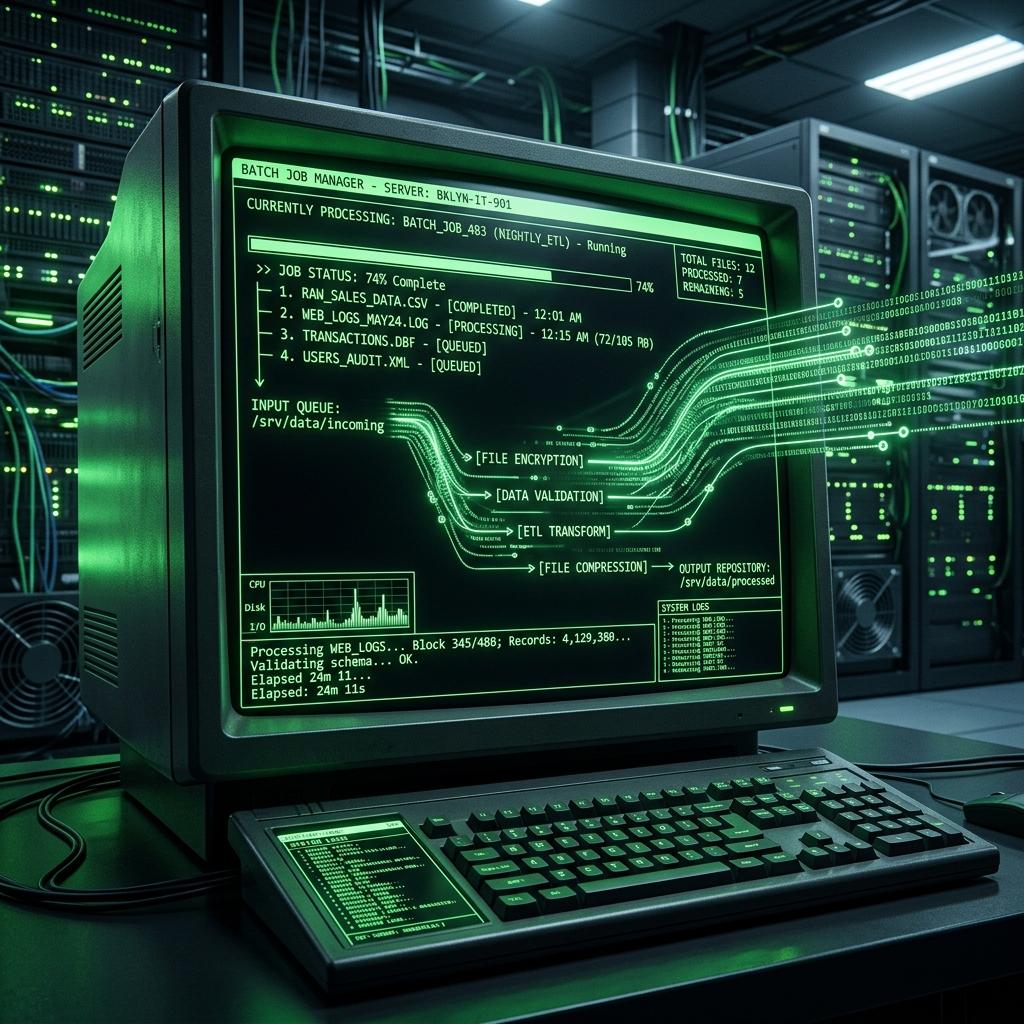
With the Terminal, you only need to type a single command line to manipulate thousands of files at once, and everything will be resolved in seconds instead of hanging the machine if using a mouse.
2.3 Automation & Scripting Capabilities
The greatest strength of this tool is the ability to link commands together. System administrators can write scripts (Shell scripts) so that the computer automatically executes a series of tasks without humans having to stay awake to push buttons.
2.4 Secure remote system administration (SSH)
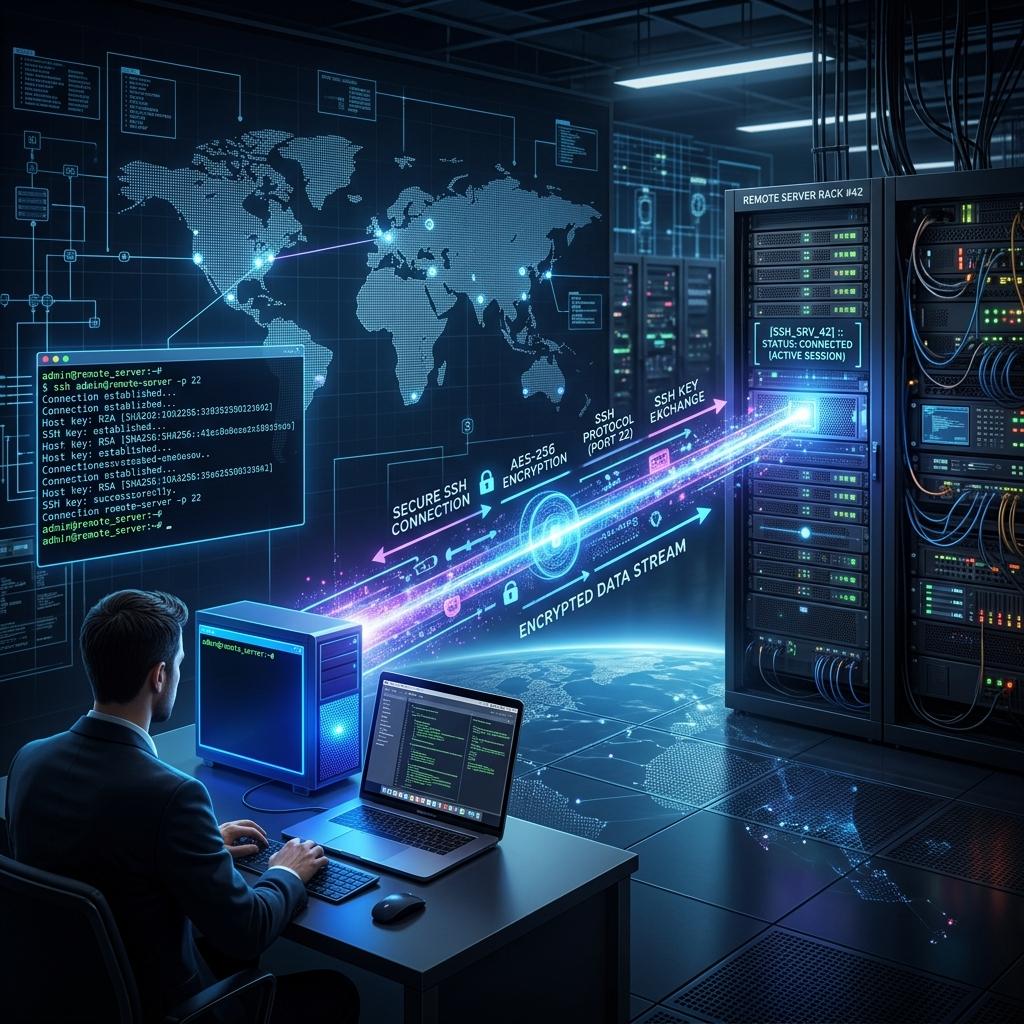
In enterprise environments, servers are often located in Data Centers. Engineers use a Terminal (Wikipedia) combined with the SSH protocol to encrypt the transmission line, thereby safely logging in and controlling hundreds of remote servers.
3. Basic structure of a standard command
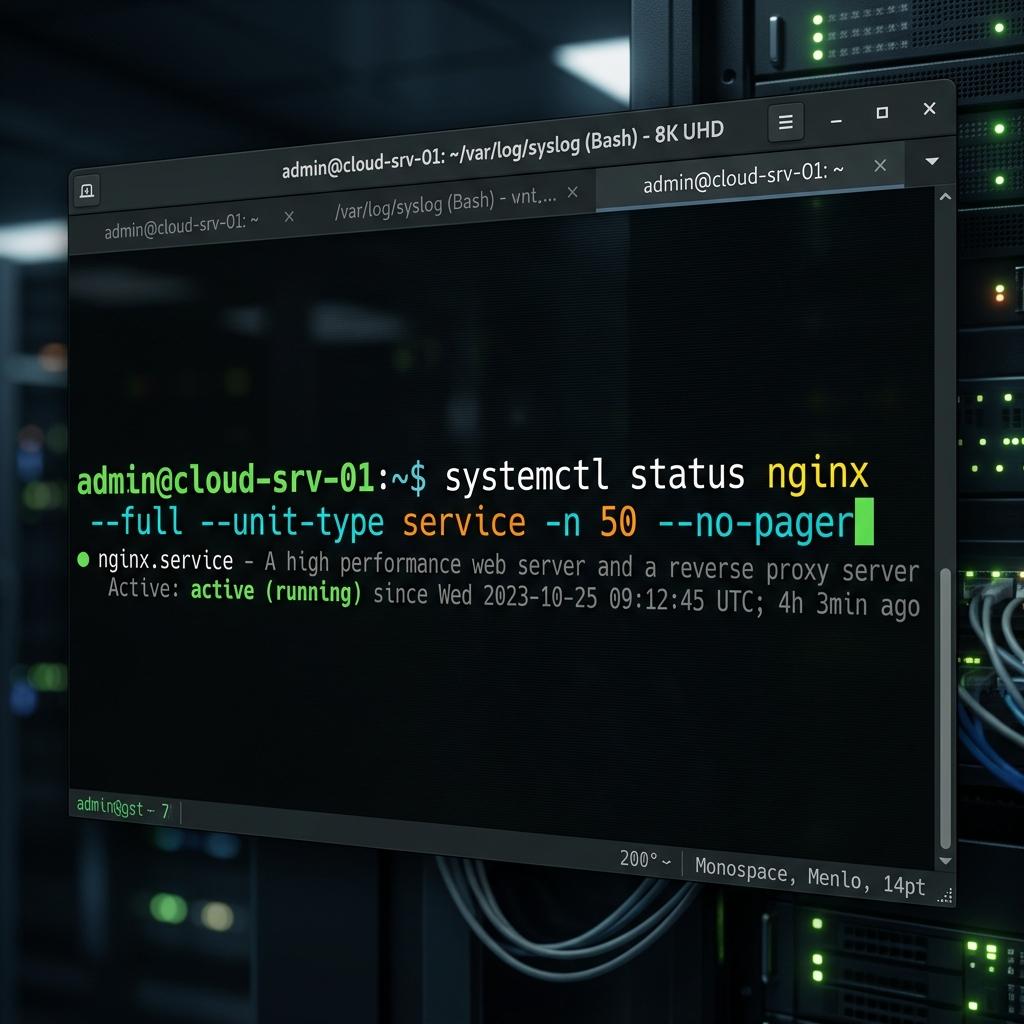
When you open the command-line window, you will see a flashing prompt, waiting for you to enter a command. A standard command usually consists of 3 components:
[Command] [Options] [Arguments]
- Command: Specifies the action you want to perform (e.g.,
lsto list,rmto delete). - Options: Usually start with a hyphen (-), used to tweak how the command works.
- Arguments: The file, directory, or address that the command will act upon.
4. Basic “introductory” commands on Linux/macOS
To get familiar with the command-line environment, here are the most basic commands for manipulating directories and files:
Navigation commands:
pwd(Print Working Directory): Displays the current directory path.cd(Change Directory): Move to another directory.
Listing commands:
ls(List): Lists files and subdirectories.ls -l: Lists in a detailed format.
File and directory manipulation commands:
mkdir: Creates a new directory.rm: Deletes a file (Permanent deletion).cp: Copies a file.mv: Moves (or renames) a file.
5. Expanding knowledge: Other related definitions
In the field of technology and daily life, the word “Terminal” carries other meanings:
- Computer Terminal: Historically, users interacted with central mainframe computers via primitive endpoints. Today’s software is a virtual simulation of this hardware.
- Airport Terminal: Where passengers perform boarding procedures. Common point: The word always implies a connecting hub.
Conclusion
The Terminal is not a tool born to make things difficult for users. It is the most primitive, direct, and powerful method of communication between humans and machines. Mastering it is a mandatory skill for IT professionals to control servers, optimize workflows, and automate tedious tasks.

InfoAsia Việt Nam trở thành nhà cung cấp dịch vụ phần mềm số hóa nhà máy sản xuất cho thương hiệu giày hàng đầu thế giới NEW BALANCE
Công ty TNHH Mây Tre Hà Linh
SAP ERP MES and IOT Project for FVIV Factor
Buwon Industry Co, Ltd
KANGLONGDA VIETNAM PROTECTION TECHNOLOGY COMPANY LIMITED
Shini Group
TA TING PLASTIC (HAI DUONG ) CO., LTD
CÔNG TY TNHH MTV BIÊN HOA SCM