




It’s Monday morning, and you have just finalized the perfect production schedule for the entire week on your Excel spreadsheet. Suddenly, the Sales department calls to announce a “super urgent order” from a VIP client that must be delivered by Wednesday. Instantly, the entire factory floor is thrown into chaos. The Production Manager has to frantically call around to check which machines are idle, whether the warehouse has enough raw materials, and is ultimately forced to halt another ongoing order. The consequences? The rush order might still not be delivered on time, the original orders suffer a domino effect of delays, workers are exhausted from unplanned overtime, and production costs spiral out of control. This is the classic tragedy of manual production scheduling. When change is the only constant in manufacturing, clinging to static spreadsheets is suicidal. The real solution lies in leveraging Advanced Planning and Scheduling (APS) software to handle unexpected rush orders scientifically and automatically.
Key Takeaways:
– Manual scheduling (Excel) cannot calculate complex constraints (machine capacity, materials, labor) when a rush order arrives, leading to a domino effect that ruins the entire master plan.
– APS software (like Beas Manufacturing integrated with SAP ERP) enables automatic calculation of Finite Capacity, knowing exactly when machinery and personnel are truly available.
– The “What-If” Simulation feature of the APS system allows the Production Manager to preview scenarios: “If I insert this order, which other orders will be delayed?”, thereby driving data-driven decisions.
– APS automatically links with Inventory and Procurement data in the ERP to ensure you never schedule a rush order when the required raw materials haven’t arrived at the warehouse.
– The system supports Rescheduling the entire factory with a single click, automatically optimizing the work sequence to minimize Changeover time.

1. Why Are Rush Orders the “Nightmare” of Production Management?
1.1 The Domino Effect that Shatters Schedules
In a manufacturing plant, production orders are tightly interconnected. When an urgent order is inserted, it’s not simply a matter of telling Operator A to “run Machine B first.” It requires changing molds, diverting raw materials from other orders, and pushing pending orders to a different time slot. In an environment managed by Excel or whiteboards, the Planner cannot possibly calculate the full resonance of these changes. As a result, prioritizing one VIP customer often leads to missed deadlines for five other customers, severely damaging the company’s reputation.
1.2 Emotional and Blind Decisions
When Sales demands, “Can we finish this order in time?”, the Production Manager usually has to give an answer based on “gut feeling” or by asking around different departments. They lack total Visibility: Is the main CNC machine under maintenance? Are the specific raw materials available? Hastily answering “Yes” often forces the factory to pay the price through exorbitant air freight costs or massive Overtime wages because finite capacity was not fully accounted for.
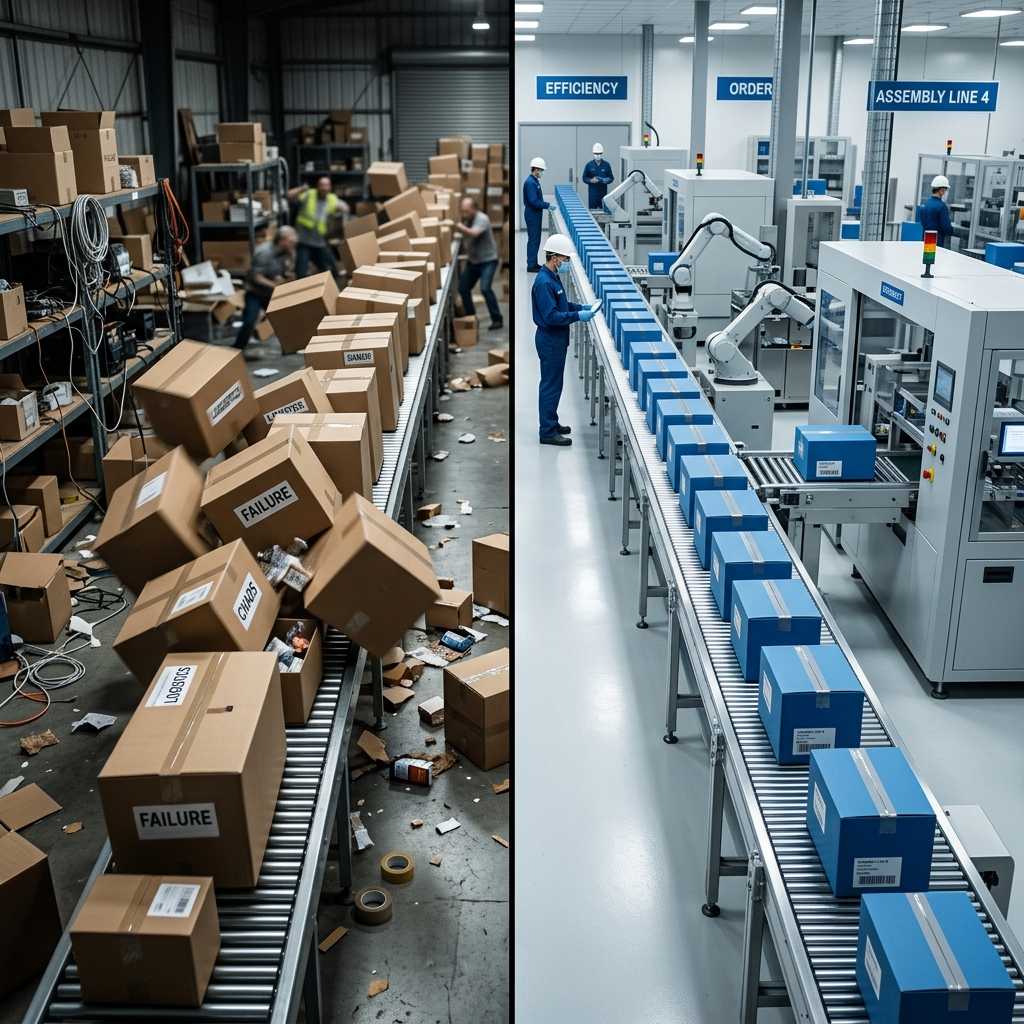
2. How Does the APS System Solve the Rush Order Dilemma?
2.1 Finite Capacity Scheduling
Unlike traditional MRP, which often assumes the factory has Infinite Capacity, Beas APS software calculates based on Finite Capacity. It knows exactly that CNC Machine #1 can only run a maximum of 16 hours/day, and there are only 2 senior welders available in the morning shift. When an emergency production order is introduced into the system, APS instantly scans the entire factory’s Gantt chart to find the most viable “white spaces” based on actual workload, ensuring no resource is assigned beyond 100% of its capacity.
2.2 The Power of “What-If” Scenarios
This is the “secret weapon” of Beas Manufacturing APS. Instead of directly injecting a production order into the live system and causing disruption, the Planner can create a Simulation scenario. In this “What-If” environment, the system inserts the rush order at the highest priority and automatically recalculates the entire schedule. The system will clearly display: “If you accept this order, Order A will be delayed by 2 days, Order B will be delayed by 4 hours, and 1 extra overtime shift will be required.” Armed with this data, management and Sales can renegotiate with the customer (e.g., requesting extensions for other orders, or charging a rush fee) rather than making empty promises and taking a loss.
2.3 Automated Material Constraint Checks
A rush order can never be produced if materials are missing. Because Beas APS is deeply integrated with the SAP ERP system, it can cross-reference the production schedule with Real-time Inventory and in-transit Purchase Orders. APS will never schedule a machine to run on Tuesday if the core raw materials won’t arrive until Wednesday. This synchronization completely eliminates the incredibly wasteful scenario of “machines waiting for materials.”

3. Comparison Table: Handling Rush Orders via Excel vs. APS Software
| Criteria | Manual Management (Excel) | Automated Management (APS Software) |
|---|---|---|
| Risk Assessment Before Accepting | Completely blind. Often makes empty promises to clients, then forces the factory into a “do or die” sprint. | 100% clear. The “What-If” feature reveals exactly which orders will be delayed if the rush order is accepted. |
| Material Inventory Check | Time-consuming; requires calling the warehouse or accounting. High risk of machines idling while waiting for materials. | Automated real-time check. APS synchronizes with ERP and blocks scheduling if materials are insufficient. |
| Schedule Recalculation Time | Takes 4-8 hours for humans to manually drag and drop hundreds of order lines; highly prone to errors (Domino errors). | Takes only seconds for the algorithm to recalculate the most complex network of production orders. |
| Changeover Time Optimization | Difficult to execute due to a lack of overall visibility, leading to continuous mold changes/cleaning and massive waste. | Automatically groups identical production orders to run consecutively, minimizing machine setup time. |
| Forecasting Additional Costs | Impossible to accurately predict Overtime costs or expedited shipping fees beforehand. | Clearly projects additional costs thanks to direct integration with the SAP ERP Costing module. |
4. The 4-Step Process for Smoothly Handling Rush Orders with Beas APS
- Step 1: Reception and Priority Assessment: The order from Sales is entered into the SAP ERP system with a “High Priority” flag.
- Step 2: What-If Simulation: The Planner drags and drops the rush order onto the Gantt chart on the APS dashboard. The system instantly runs Optimization Heuristics to recalculate thousands of interconnected variables.
- Step 3: Impact Evaluation: The system displays Red Alerts for any older production orders that are negatively impacted, while simultaneously verifying the availability of materials and personnel.
- Step 4: Finalize and Dispatching: Once management approves the optimal scenario, the Planner clicks “Commit.” The system automatically pushes the newly updated schedule down to the workstation screens (Beas Terminal) on the shop floor, allowing workers to immediately pivot production without reprinting paper schedules.
5. Frequently Asked Questions (FAQs)
Q: If I have to insert a rush order, does the system automatically group similar products to reduce Changeover time?
A: Yes. The APS algorithm can identify products with identical attributes (e.g., same paint color, same mold type). When recalculating the schedule due to an inserted order, APS will attempt to arrange similar production orders to run consecutively, helping the factory minimize machine cleaning or Setup time.
Q: Will APS notify me if the rush order cannibalizes materials meant for existing orders?
A: Absolutely. The system operates on multi-level Pegging principles. If a rush order “steals” the reserved inventory of an older order, APS will immediately trigger a material shortage alert for that older order, and simultaneously generate a new Purchase Request in the SAP ERP.
Q: How long does Rescheduling take on APS compared to Excel?
A: A complex Excel spreadsheet can take a human anywhere from 4 to 8 hours to recalculate all constraints and verify materials when a rush order arrives. With APS System software, the algorithm takes only a few seconds to a few minutes to rebuild even the most complex network of production orders, visualizing it on a highly user-friendly drag-and-drop Gantt chart.
Q: Rush orders usually require Overtime; can the software calculate this cost?
A: APS, in combination with the SAP ERP Costing module, can project these expenses. When you extend the working hours of a Cost Center into the Overtime block on APS, the system utilizes the overtime labor rate to recalculate the profit margin of that specific order, letting you know if this rush order is actually profitable.
Let INFOASIA help your factory put an end to the chaos every time a rush order arrives. Register today for a Demo of the APS Advanced Planning and Scheduling solution integrated with SAP ERP!

InfoAsia Việt Nam trở thành nhà cung cấp dịch vụ phần mềm số hóa nhà máy sản xuất cho thương hiệu giày hàng đầu thế giới NEW BALANCE
Công ty TNHH Mây Tre Hà Linh
SAP ERP MES and IOT Project for FVIV Factor
Buwon Industry Co, Ltd
KANGLONGDA VIETNAM PROTECTION TECHNOLOGY COMPANY LIMITED
Shini Group
TA TING PLASTIC (HAI DUONG ) CO., LTD
CÔNG TY TNHH MTV BIÊN HOA SCM