




Last week, I sat with Mr. Hoang, the Planning Manager of a packaging factory in Dong Nai. He recounted how every Friday afternoon, he had to stay at the factory until 9 PM, glued to his laptop to finalize the Excel production schedule for the following week. His spreadsheet had dozens of intricately linked sheets with VLOOKUP and IF formulas to balance materials, shifts, and machines. However, on Monday morning, a VIP client called to squeeze in an urgent order. Mr. Hoang broke a sweat, because altering just one delivery date cell caused the entire Excel workbook to return “#REF!” errors, completely collapsing the week’s plan. He lost the entire morning manually rescheduling from scratch, while factory machines sat idle waiting for orders. Mr. Hoang’s story is the clearest proof that using Excel for production scheduling when a factory has scaled up is like using a compass to fly a commercial airliner.
Key Takeaways:
The core difference between an Advanced Planning and Scheduling (APS) system and Excel lies in the ability to calculate Finite Capacity and react in real-time. While Excel is merely a passive electronic sheet that requires humans to mentally calculate machine capacity and inventory, APS is an intelligent algorithmic engine. APS automatically groups orders, prioritizes urgent requests, and optimally schedules based on the actual constraints of equipment, personnel, tooling, and materials. When unexpected events occur, like machine breakdowns or rush orders, APS takes only seconds to generate a completely feasible new schedule, rather than wasting hours squinting at formula errors as one does in Excel.
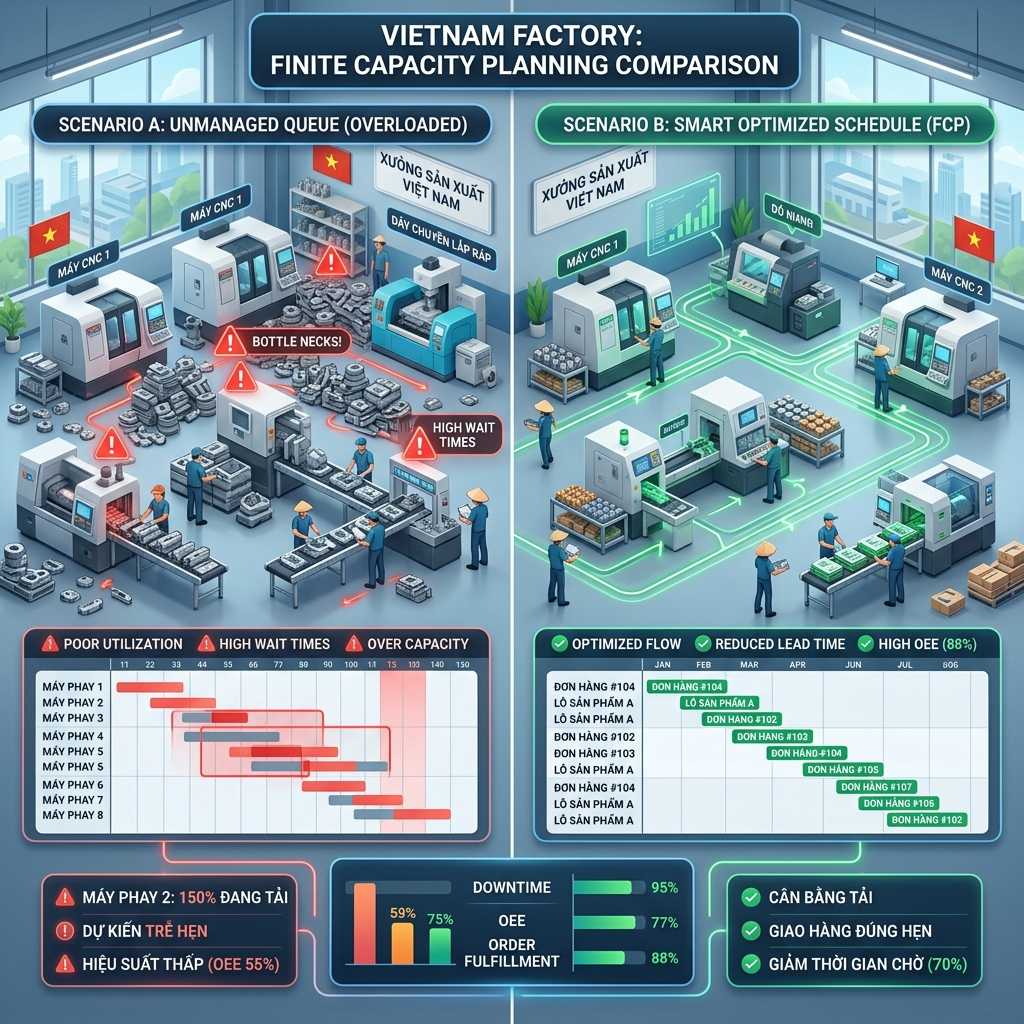
1. Infinite Capacity in Excel vs. Finite Capacity in APS
The most fatal flaw of Excel scheduling is its constant assumption that your factory has infinite resources. If you drag and drop a cell to produce 10,000 products in one day, Excel obediently records it without any error warnings, regardless of whether your stamping press has a maximum capacity of only 5,000 products/day. As a result, the paper plan looks beautiful, but when sent to the shop floor, it becomes entirely unfeasible, leading to a massive buildup of Work-In-Progress (WIP) at the bottleneck stage. In contrast, an APS system operates on the principle of “Finite Capacity”. Before tossing a production order into the schedule, APS automatically scans the entire factory to check if Machine A is idle, Mold B is under maintenance, or if the warehouse has enough materials. If a machine is running at 100% load, APS will automatically push the next order to the following shift or allocate it to an alternative machine with the same function, ensuring 100% feasibility when the schedule is issued.
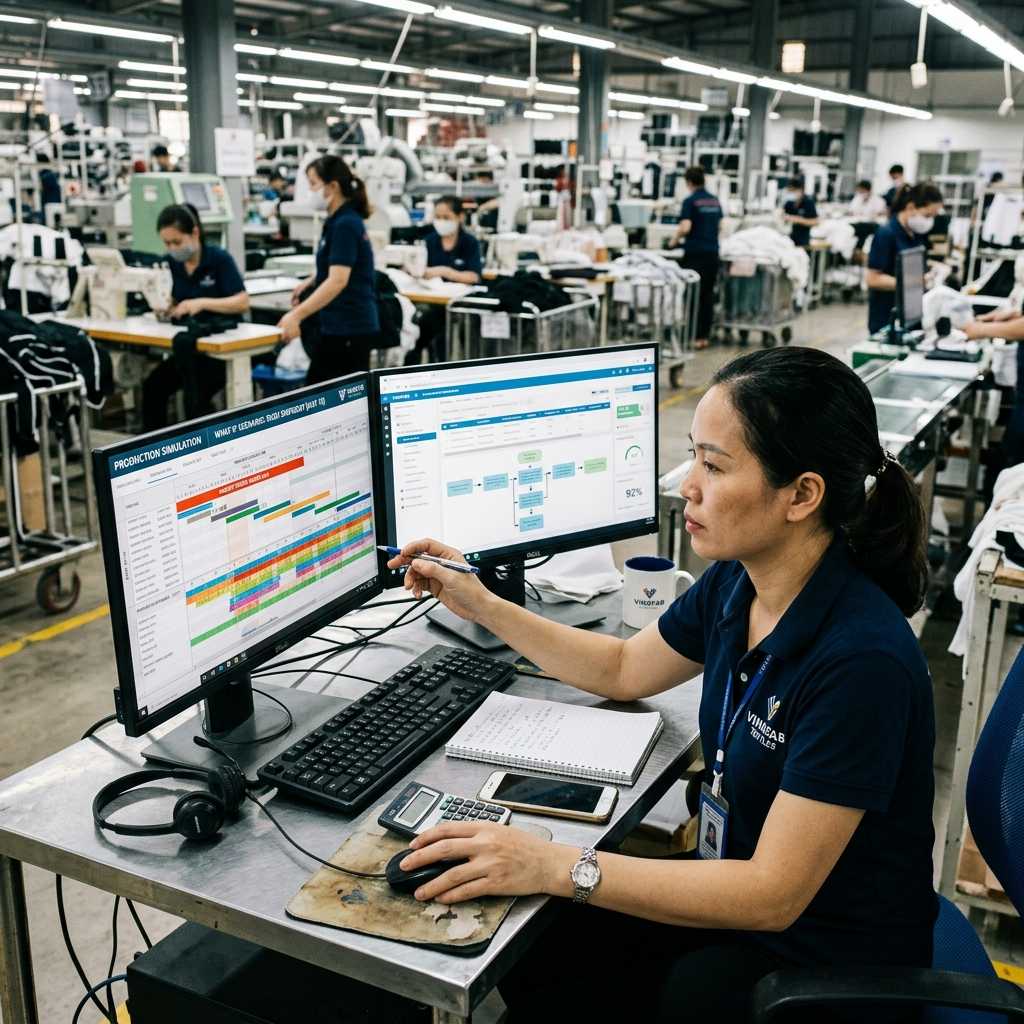
2. Handling “What-if” scenarios and urgent orders
In manufacturing, things never go exactly as planned. Sudden machine breakdowns, delayed material deliveries, or Sales reporting super-urgent orders are daily occurrences. With Excel, every time a disruption happens, the planner must manually hunt for time gaps, manually shift colored cells, and constantly fear that dragging the wrong row will break the entire formula chain. This process usually consumes 2 to 4 stressful hours. With APS software, you simply create a “What-if” scenario. You input the urgent order into the system and hit the “Reschedule” button. The system uses optimization heuristics to automatically rearrange thousands of production orders, pushing lower-priority orders back and finding the perfect slot for the rush order. This takes less than a minute, and you can fully preview the impact of this insertion on existing orders before deciding to apply the new schedule.
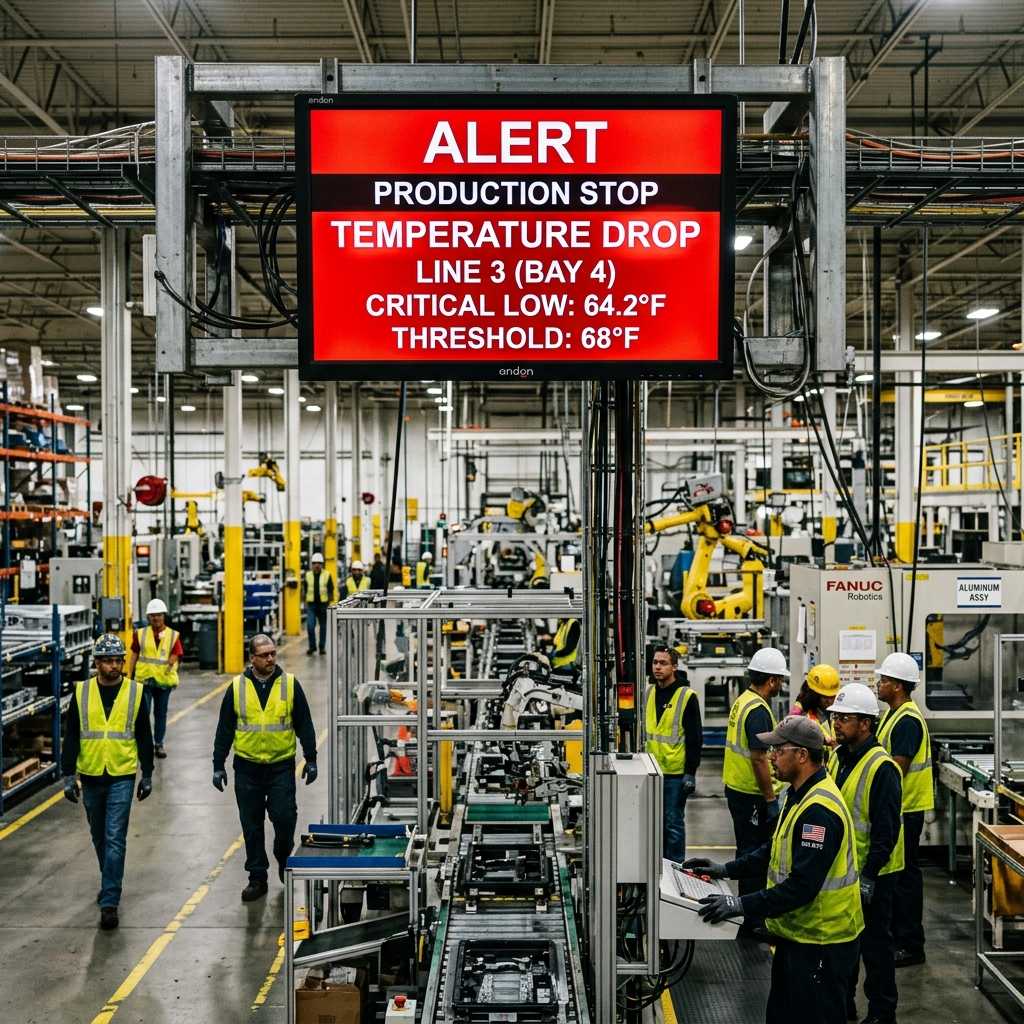
3. Optimizing Changeover Time
Switching from producing Product A to Product B on the same machine often takes time, known as Changeover Time (cleaning the machine, changing molds, adjusting tools). Excel planners often ignore or roughly estimate this time, leading to massive inaccuracies in calculating actual throughput. Furthermore, a human cannot mentally calculate how to sequence dozens of product codes to achieve the shortest total changeover time. An APS system possesses an incredibly smart Setup Matrix. It automatically understands that switching from white to black paint takes 10 minutes to flush the pipes, but switching from black to white takes 60 minutes to scrub the residue. Consequently, the algorithm automatically groups production orders with shared characteristics (same color, size, material) to run sequentially, minimizing useless downtime and directly boosting the factory’s OEE index.
Comparison Table: Excel Scheduling vs. APS System
| Criteria | MS Excel Scheduling | APS Software Planning |
|---|---|---|
| Calculation Nature | Assumes infinite resources (Infinite Capacity). | Based on actual finite resources (Finite Capacity). |
| Handling Rush Orders | Manual insertion, easily breaks file structure. | What-if simulation, automatic rescheduling in seconds. |
| Material Inventory Check | Must open accounting software separately, delayed data. | Automatically syncs with ERP/MRP to block scheduling if short. |
| Changeover Optimization | Emotional human estimation, hard to optimize groups. | AI algorithm automatically groups orders to minimize Setup Time. |
| Work Visualization | Disconnected colored cells, hard to update real progress. | Interactive Gantt Chart with drag-and-drop, Real-time. |
4. Five real-world examples proving APS superiority
- Case study 1: Carton packaging plant. This factory used to waste 4 hours daily just changing printing cylinders because the Excel planner couldn’t sequence colors optimally. Upon implementing APS, the system automatically identified and scheduled print orders from lightest to darkest colors sequentially. As a result, Changeover time dropped by 60%, allowing the factory to increase printing capacity by 12,000 boxes daily without buying more machines.
- Case study 2: Precision CNC machining shop. The shop was constantly fined for delays because the Planning department scheduled based on machine capacity, forgetting the entire shop only had 2 special Jigs. The Excel schedule showed 4 machines running parallel, but in reality, workers stood waiting for jigs. APS introduced “Jigs” as a Secondary Constraint. It only allowed scheduling a maximum of 2 parallel machines, automatically assigning the other two to different product codes, completely ending the localized bottleneck.
- Case study 3: Wooden furniture factory. A hotel project order required 500 wooden chairs urgently in 3 days. The Excel planner tried to squeeze it into the CNC wood cutting machine, unaware that the warehouse only had oak wood that wasn’t fully kiln-dried. The plan fell apart the very next day. With APS tightly integrated with ERP, hitting schedule immediately triggered a red alert because the “Oak Wood” material status was “Awaiting Drying”, proposing to shift the run to day 4 to ensure quality.
- Case study 4: Household plastic injection shop. The Planning Manager took a 1-week sick leave. The replacing deputy opened the Excel file and completely failed to understand the boss’s color-coding and shorthand notes. The whole shop fell into chaos due to schedule conflicts. When the factory switched to APS, all priority rules were algorithmically established. Regardless of who sat at the computer, they just inputted the orders and hit “Optimize,” and the system outputted the exact same standardized schedule, eliminating the risk of relying on a “star” individual.
- Case study 5: Textile and garment factory. Customers frequently changed sizes and colors at the last minute (before cutting fabric). Updating dozens of Excel files from Sales down to the Cutting and Sewing workshops took half a day. After applying Cloud-based APS, when Sales updated an order, Planning only needed 1 click to sync. The Gantt chart on the shop floor screens automatically shifted the corresponding time blocks. Information flowed instantly with zero latency.
Frequently Asked Questions (FAQs) about APS implementation
My company uses an ERP with an MRP module, do I need to buy APS?
MRP (Material Requirements Planning) only answers “What to buy, how much, and when?”. It assumes your factory has infinite production capacity. To answer “Produced on which machine, at what time, by whom?”, you MUST need the finite capacity planning algorithm of an APS. MRP and APS are two complementary pieces, not substitutes for one another.
My factory operates as a Job Shop (make-to-order, every product is unique), can APS be used?
This is the exact environment where APS shines the brightest. In a Job Shop, the product routing is highly complex and frequently crisscrosses, completely paralyzing Excel. APS was born to solve this multivariable problem by simulating various scheduling scenarios and selecting the one with the lowest total tardiness time.
How much time does it take for my staff to transition from Excel to mastering APS?
Although the underlying algorithms are complex, the user interfaces of modern APS software are designed as highly intuitive drag-and-drop Gantt charts. An experienced planner only needs about 2 to 3 weeks of hands-on training to grasp how to run scenarios and analyze system warnings.
If shop floor data is inaccurate or a machine breaks without being reported, how does APS handle it?
“Garbage In, Garbage Out”. If input data is wrong, the APS schedule will be wrong. That’s why an excellent APS system must always be integrated in parallel with an MES (Manufacturing Execution System). MES collects real-time data from machines. If a machine breaks down, MES reports it, APS instantly registers the “Downtime” status, and automatically pushes back the schedule of subsequent orders.
Does APS software automatically decide on Overtime?
APS does not arbitrarily make decisions that cost money. It acts as an advisor. When you try to run a super-urgent order, APS will flag red and warn: “With current resources, this order will be 3 days late.” At this point, the manager creates a What-if scenario: “Try adding Saturday overtime for the stamping press team.” Then re-run the simulation. If the schedule turns green (on time), the manager is the one who makes the final decision to approve overtime for workers.

InfoAsia Việt Nam trở thành nhà cung cấp dịch vụ phần mềm số hóa nhà máy sản xuất cho thương hiệu giày hàng đầu thế giới NEW BALANCE
Công ty TNHH Mây Tre Hà Linh
SAP ERP MES and IOT Project for FVIV Factor
Buwon Industry Co, Ltd
KANGLONGDA VIETNAM PROTECTION TECHNOLOGY COMPANY LIMITED
Shini Group
TA TING PLASTIC (HAI DUONG ) CO., LTD
CÔNG TY TNHH MTV BIÊN HOA SCM